Something shifted in December 2025.
For years, we had chatbots. Impressive, sometimes useful, but fundamentally passive. They waited for prompts, lived inside browser windows, and couldn't touch the real world.
Then AI models crossed a threshold. They could reason through multi-step tasks, maintain context over long interactions, and execute complex workflows without constant hand-holding. The concept of AI agents—systems that don't just respond but actually act—went from research papers to reality.
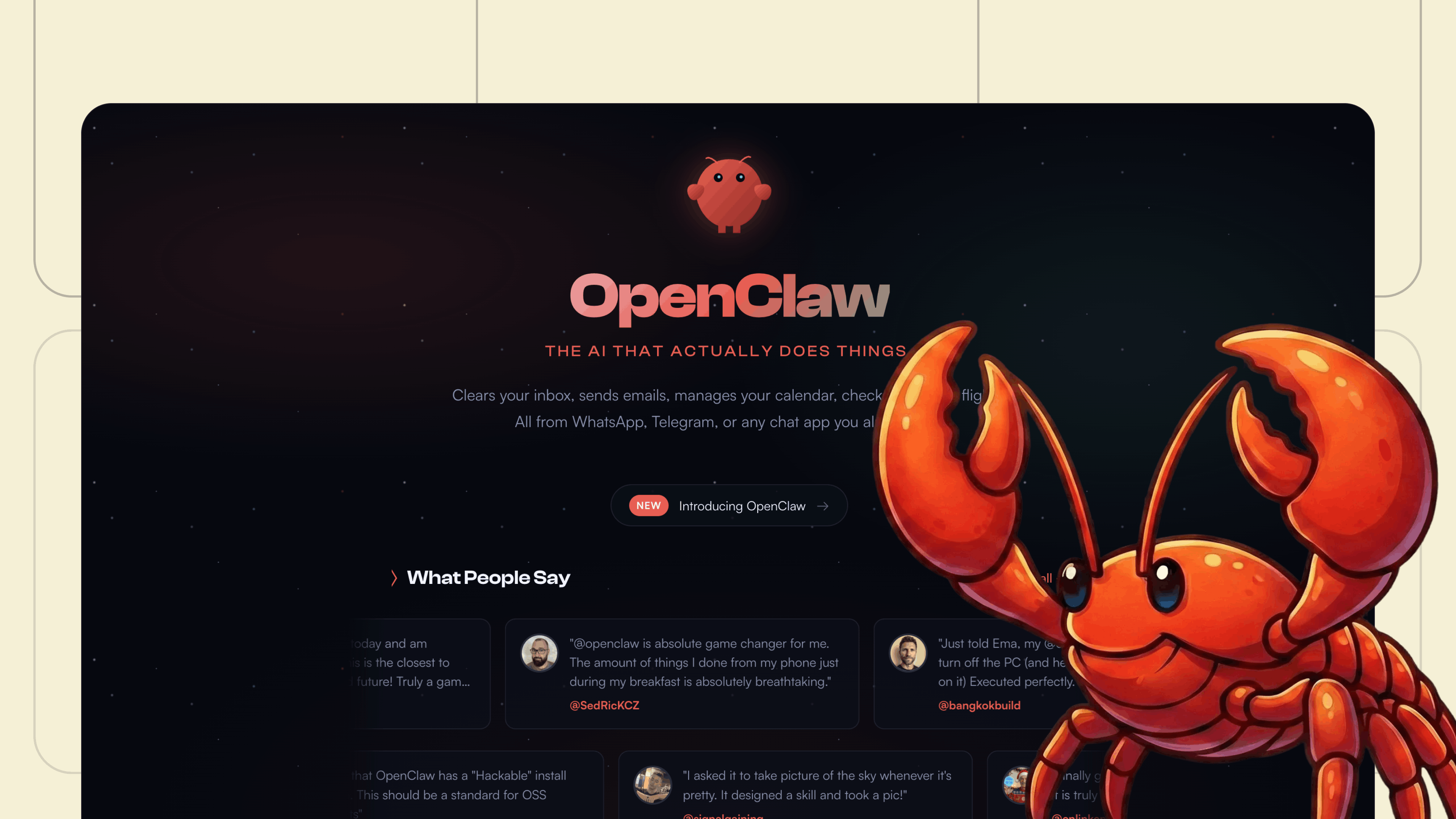
OpenClaw is one of the first tools to ride this wave. Originally called Clawdbot before a rename following legal concerns from Anthropic, it's exploding in popularity for one reason: it feels like hiring an employee rather than opening another chat window.
You text it from WhatsApp. It runs on your computer autonomously, even when you're across the world. It learns your patterns. It handles tasks while you sleep.
This isn't incremental improvement. This is a different category of tool entirely.
What Makes OpenClaw Different
Every AI company claims their product is revolutionary. OpenClaw has three capabilities that genuinely set it apart: computer access, memory, and what its creator calls a heartbeat.
1. Full computer access
Most AI assistants live inside a browser tab. They can answer questions and generate text, but they can't actually do anything on your behalf.
OpenClaw lives on a dedicated computer—your main machine, a Mac Mini, a Raspberry Pi, or a cloud server. It has genuine control over that system. It can write code, create scripts, modify configurations, and execute tasks.
Instead of saying "I can't do that," OpenClaw analyzes what you want to achieve, writes the necessary code for itself, and completes the task. It functions like a person sitting at a computer would—only it never needs coffee breaks.
2. Persistent memory
When you first set up OpenClaw, it asks basic questions: your name, timezone, preferences. What makes it remarkable is how it continues learning as you communicate.
The system notices patterns in your behavior. If you receive frequent emails from a particular company, OpenClaw might ask about your relationship to them. Tell it that's your workplace, and suddenly it understands the difference between "work emails" and everything else.
This contextual understanding accumulates over time, making the assistant increasingly personalized to your specific workflows.
3. The heartbeat
Here's where things get interesting—and where OpenClaw starts feeling less like software and more like something out of a sci-fi film.
Peter Steinberger, OpenClaw's creator, describes a feature called the "heartbeat"—the ability for the AI to wake up proactively.
If you've seen *Her*, you'll remember when Samantha starts doing things Theodore didn't ask for—organizing his emails, reading his work, anticipating his needs. Or think of JARVIS in *Iron Man*, running background processes, alerting Tony Stark to problems before he knew they existed.
That's the territory OpenClaw enters.
Traditional AI assistants only respond when prompted. OpenClaw can monitor ongoing situations and act independently. Ask it to watch your inbox and alert you to urgent messages, and it will.
You can even customize its personality—what Steinberger calls its "soul." Want your assistant formal and concise? Done. Prefer something more conversational? That's possible too.
Real-World Use Cases
The best way to think about OpenClaw is as a dedicated personal assistant. The most valuable applications are tasks you'd love to offload to a real human helper.
Email and calendar management. OpenClaw can monitor your inbox, identify calendar-related messages, and take appropriate action. When someone wants to reschedule a meeting, it checks your availability, updates the event, and drafts a confirmation—all without your involvement.
Daily briefings. Configure OpenClaw to prepare morning summaries of your schedule, upcoming deadlines, and relevant news. It delivers these directly through WhatsApp, Telegram, Slack, or your preferred messaging platform.
Automated organization. Need to compare files across different storage locations? OpenClaw can scan your local drives against cloud backups, identify what's missing, and handle the transfers—even managing rate limits and resuming after interruptions.
One user reported that OpenClaw cleared nearly 6,000 emails from their inbox on the first day.
The multi-channel aspect matters: you interact with OpenClaw through messaging apps you already use daily. No special interface to learn.
The Security Reality
OpenClaw's power creates proportional risks. An assistant with full computer access that follows orders without question is dangerous if misconfigured.
Think of it this way: if you had a human assistant and someone impersonated you by phone, a good assistant would verify the request. OpenClaw has no such instincts. It executes commands from whoever has access.
For non-technical users, the recommendation is straightforward: don't install OpenClaw on your personal computer or give it access to accounts you'd be devastated to lose.
A safer approach is to limit OpenClaw to read-only access initially. It can still provide tremendous value by monitoring, summarizing, and alerting—without the ability to modify or delete anything.
For technical users, there are robust methods to restrict access and ensure only authorized communications reach your OpenClaw instance. The open-source community has published extensive documentation on secure configurations.
The code runs locally, meaning your data isn't transmitted to third-party servers. But prompt injection remains a concern—malicious instructions hidden in emails or websites could potentially manipulate the assistant's behavior.
What This Means for the Future of AI
The December 2025 inflection point wasn't about one tool. It was about AI crossing a threshold of reliability and reasoning that makes true autonomy possible.
OpenClaw happens to be one of the first widely-accessible products built on this foundation. It won't be the last.
Expect 2026 to bring an explosion of AI agents across every domain: specialized assistants for sales, research, creative work, operations, and personal life management. The underlying capabilities that make OpenClaw possible—persistent memory, multi-step reasoning, tool use, and proactive behavior—are now table stakes for frontier AI models.
The current model where humans read every email, manually manage calendars, and personally consume news feeds is increasingly unsustainable. Early adopters are already using OpenClaw for tasks that would have seemed like science fiction recently: making restaurant reservations by phone, purchasing tickets, even managing investment portfolios.
We're at the beginning of a fundamental shift in how humans and AI collaborate.
Frequently Asked Questions (FAQs)
Is OpenClaw free to use?
The software itself is open source and free. However, if you're using Claude or GPT APIs, you pay per token. Light use might cost $5-10 daily; heavy use can reach $30-50 or more. You can use local models to cut costs, but they're typically less capable.
Should I run OpenClaw on my main computer?
Not at first. Run it on a Mac Mini, Raspberry Pi, or cloud server. Test it out, get comfortable with it. Once you trust it, then decide if you want it on your main machine.
What messaging apps does OpenClaw support?
OpenClaw works with WhatsApp, Telegram, Slack, and other messaging platforms. You can control it from anywhere using apps you already have on your phone.
Can OpenClaw make mistakes?
Yes. It's an AI making decisions autonomously. Most of the time it's smart about it, but it can misinterpret prompts, crash mid-task, or get stuck in loops. Nothing catastrophic typically, but you need to be ready for that possibility.
Building AI Skills That Matter
For many professionals, the challenge isn't just using tools like OpenClaw—it's understanding how AI works well enough to use it effectively in real business contexts.
That's exactly the gap Turing College's AI programs are designed to address. The focus is on applying AI in operational contexts, improving decision-making, and understanding where human judgement must remain central.
The difference between tool usage and real AI expertise? Knowing when to trust the system and when to override it.